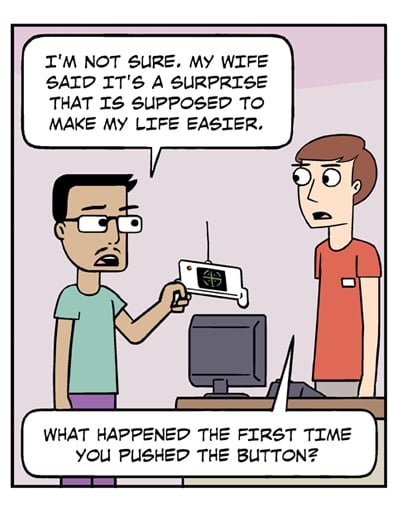
Or to better adapt the question, Is that supposed to be a real gadget (that one of us might recognize), or an invention of the fantasy brain only?
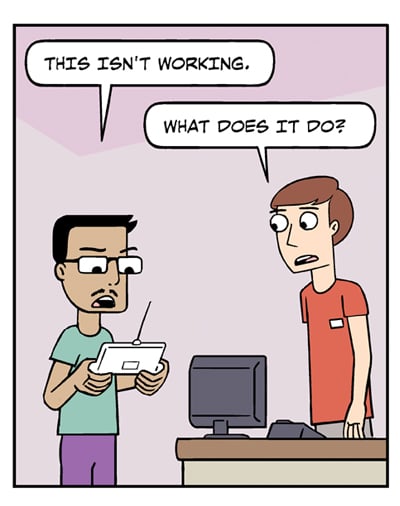
And while we’re wondering, would a library help desk (or even moreso, a reference desk) offer to help patrons work their own devices? (Beyond providing the netname and password if they offer free wi-fi on the premises.)
 Comics I Don't Understand
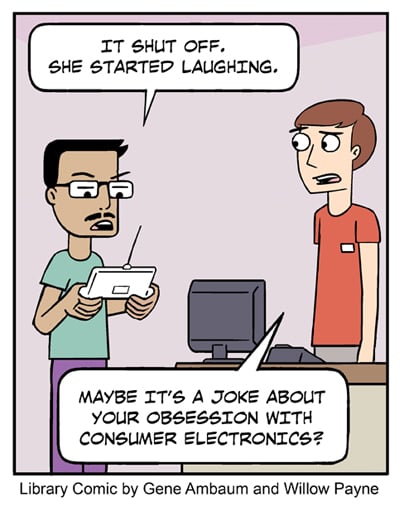
I think he was given a practical joke. One partial clue is the library employee’s description: “… pushed the button … ”. That (and the drawing in the second panel) implies that the device (whatever it may be) possesses exactly one button, so it can’t be expected to have a lot of functionality.
Libraries absolutely provide technological support to patrons. Some of them, at least.
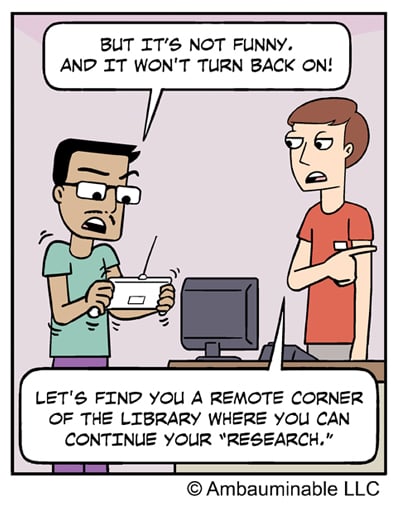
Our local library will provide tech support within the limits of the reference librarian. But nobody can provide tech support to every random device that a patron might bring in. That’s why he’s sending him to a quiet corner so the librarian can move on to the next patron.
The joke is, as Kilby notes, that he doesn’t realize his wife gave it to him as a joke.
In my experience, a librarian (and most other library employees, too) will try to help you with any problem you have, if they have the time. I love librarians.
I was a bit confused the first time I tried to use the wifi at the library because it was too simple. I was expecting some login stuff. All that happened was a page came up with rules. When I asked, the librarian just said that there was no login. Just click to close the rules screen.
I’m a public librarian. We frequently help people with their own electronic gadgets, yes.
Ever since banks here in Berlin have begun actively pushing online banking services, their employees have been forced to assume tech support duties for any and every mobile phone ever made. My wife says that the worst part is not when the phone has an actual defect, it’s when the customer is too much of an idiot to operate his own equipment, or even remember what he just typed in:
Bank employee says: “Okay, now type in your password.”
Customer replies: “But I don’t know my password.”
Bank employee thinks: “Yes you do, you twit! You just defined a new password in the previous step, two minutes ago!”
P.S. @ Brian (5) – I’ve run into some websites that refused access when I was using free WiFi (at an airport, or shopping mall). After turning off WiFi and switching to the cellular network, it worked fine.
maryellenc, Thanks!
Kilby, I’ve run into that same wifi issue at a place I work. It took a little while to figure it out and now I look like a genius when someone else encounters it. What I don’t know is why me and only a handful of others?
@ Lola in PA (9) – The effect only occurs when the website insists on a certain amount of security, which is not supported by an “open” WiFi channel without any password.
I tend not to use wifi outside the house except on rare occasions.
(Sorry, just had to stop for a few seconds to handle a major problem of Robert’s as opposed to my computer problems he helps me with – he dropped a Cheerio (from my box of Cheerios – he eats grits instead for prebed snack and I eat Cheerios, but he helps himself) on the floor and could not find it to throw it out. I stopped writing, looked at the floor and picked up the Cheerio and tossed it out.)
I do use my data minutes when out to do important things such as “What movie was “X” in? or similar questions which arise. We do use our cell phones to find him when we get separated in stores – rare though to happen since Covid started. None of which are anything I would worry about anyone knowing I did.